Product & print mockups
Put your design on real things.
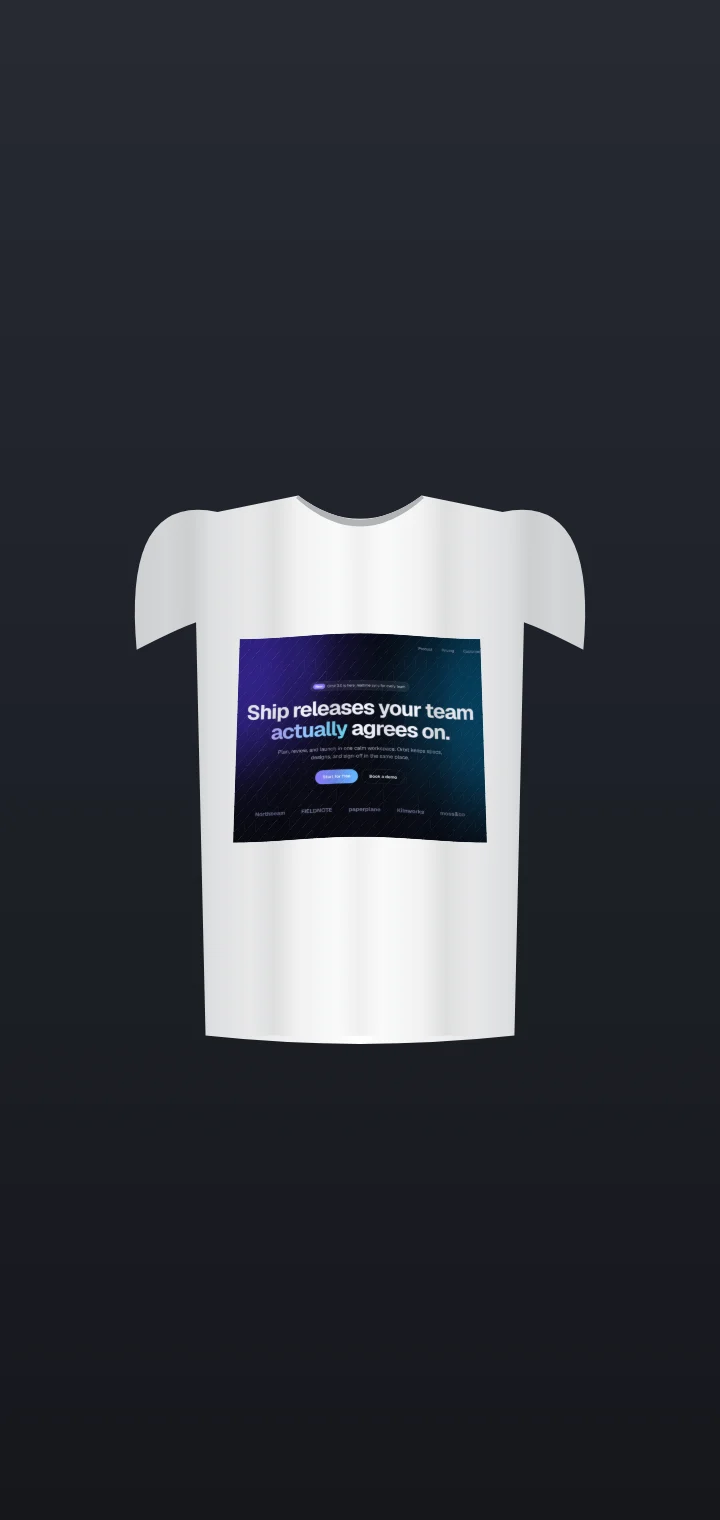
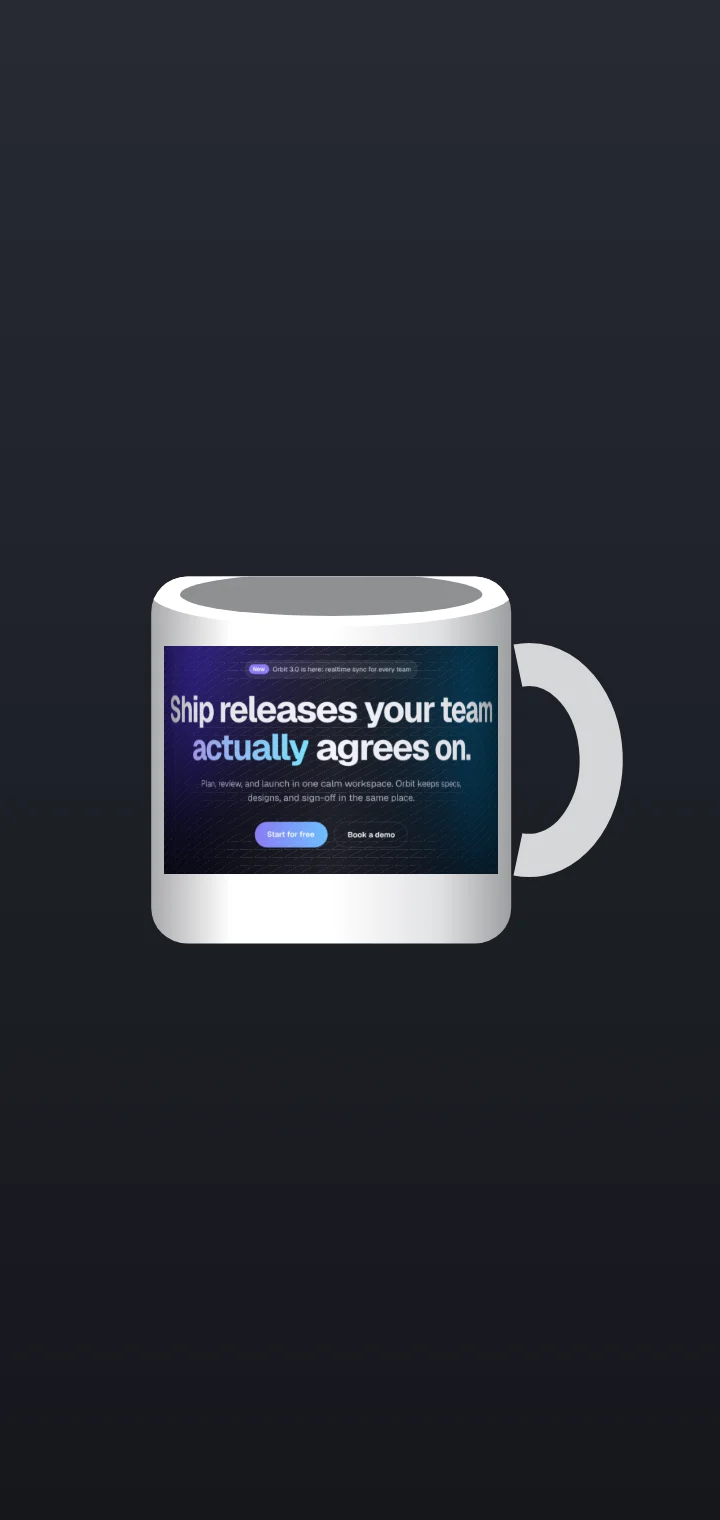
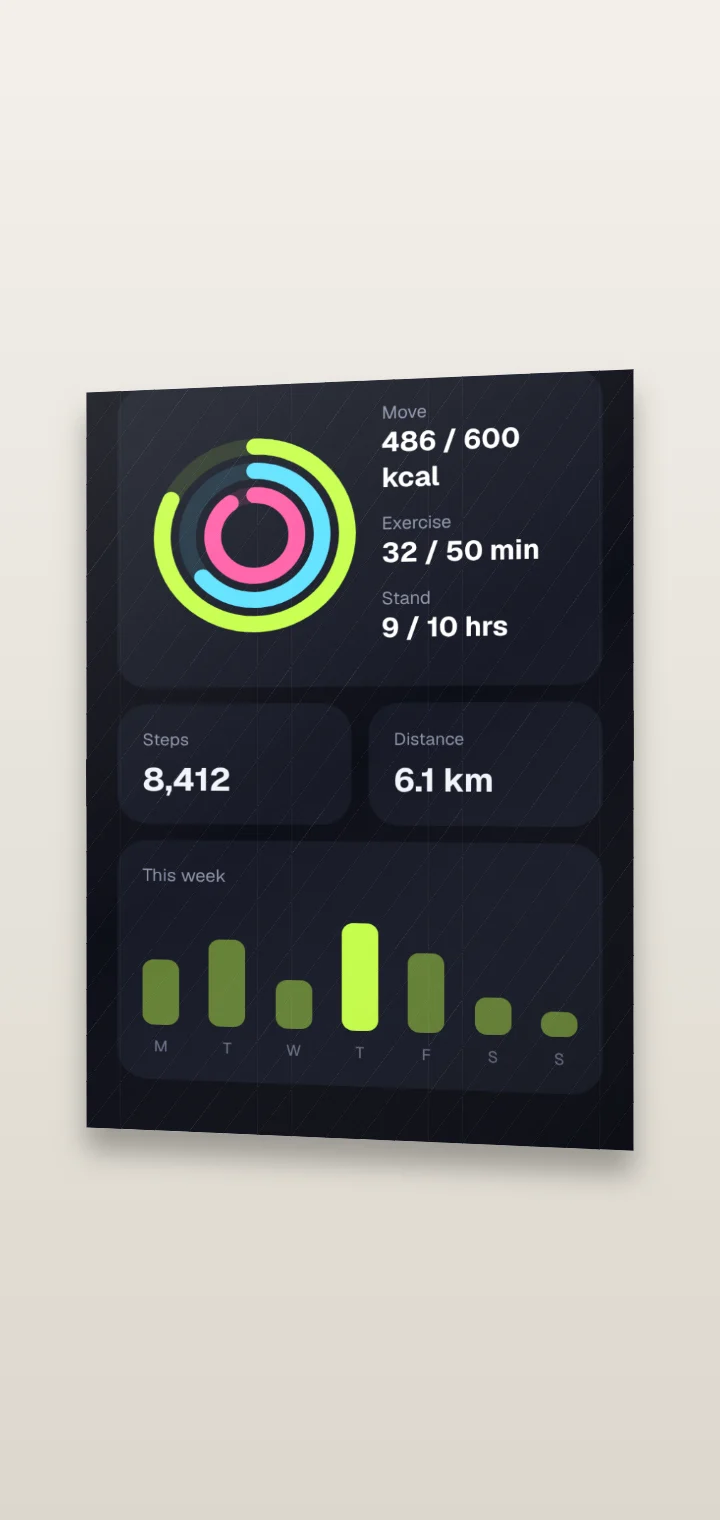
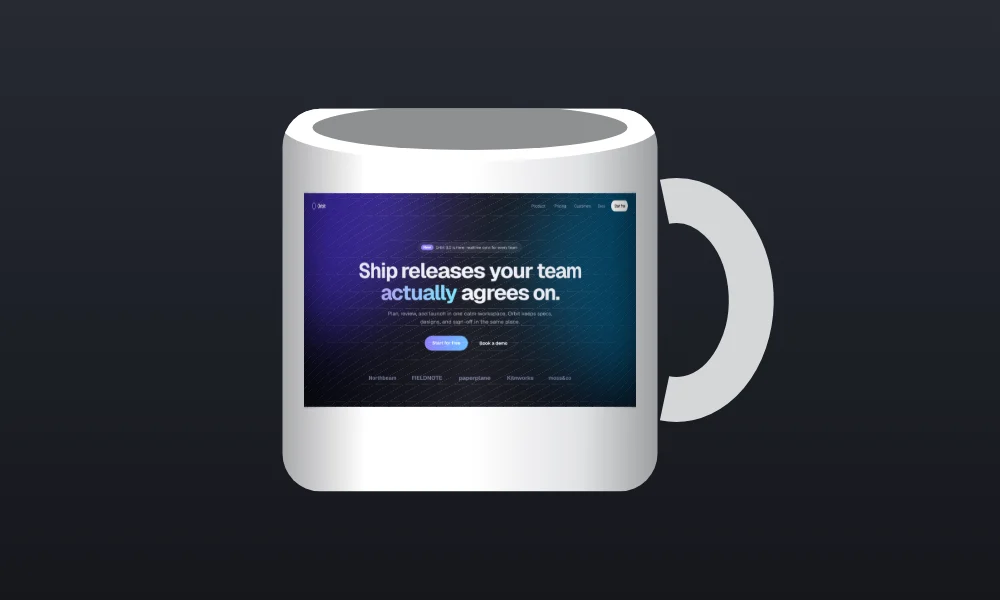
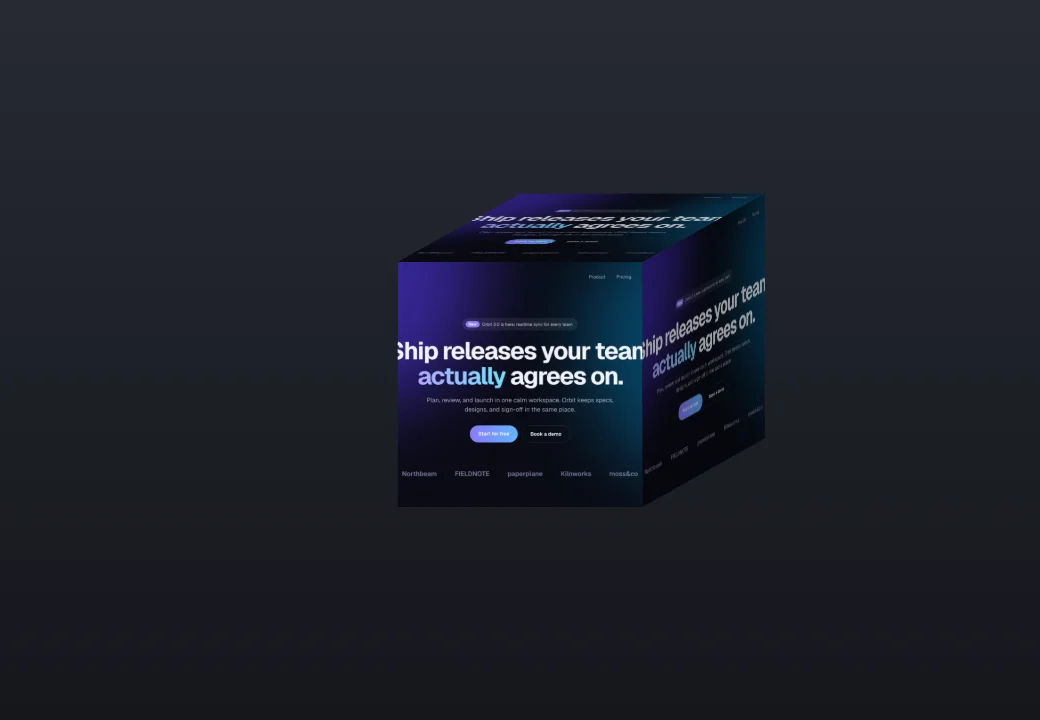
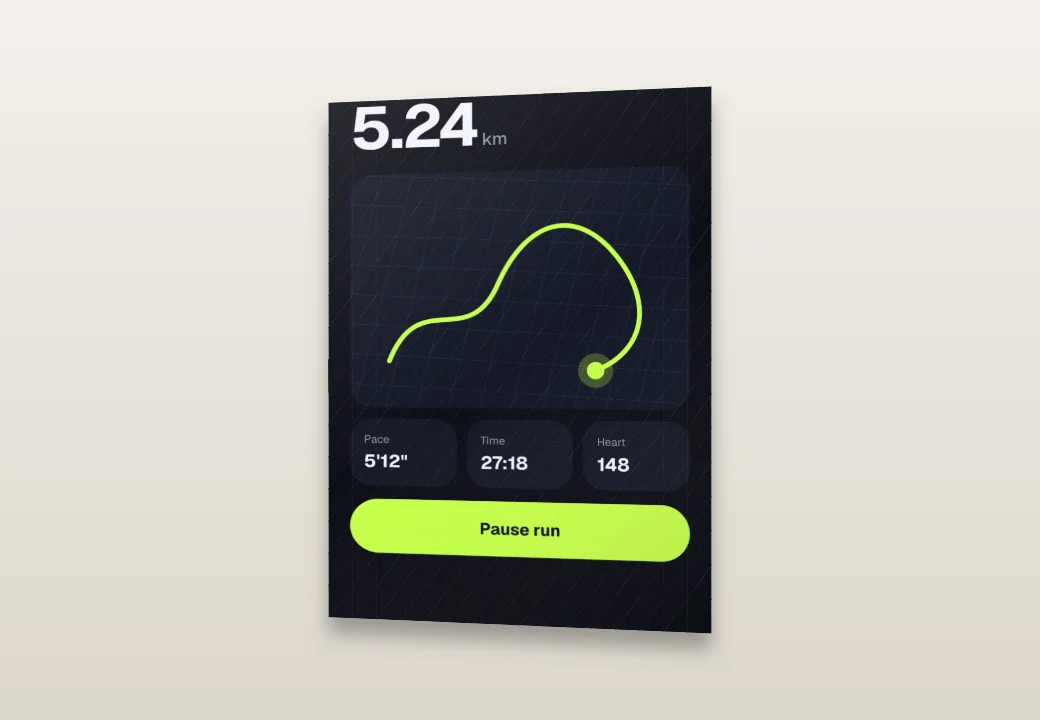
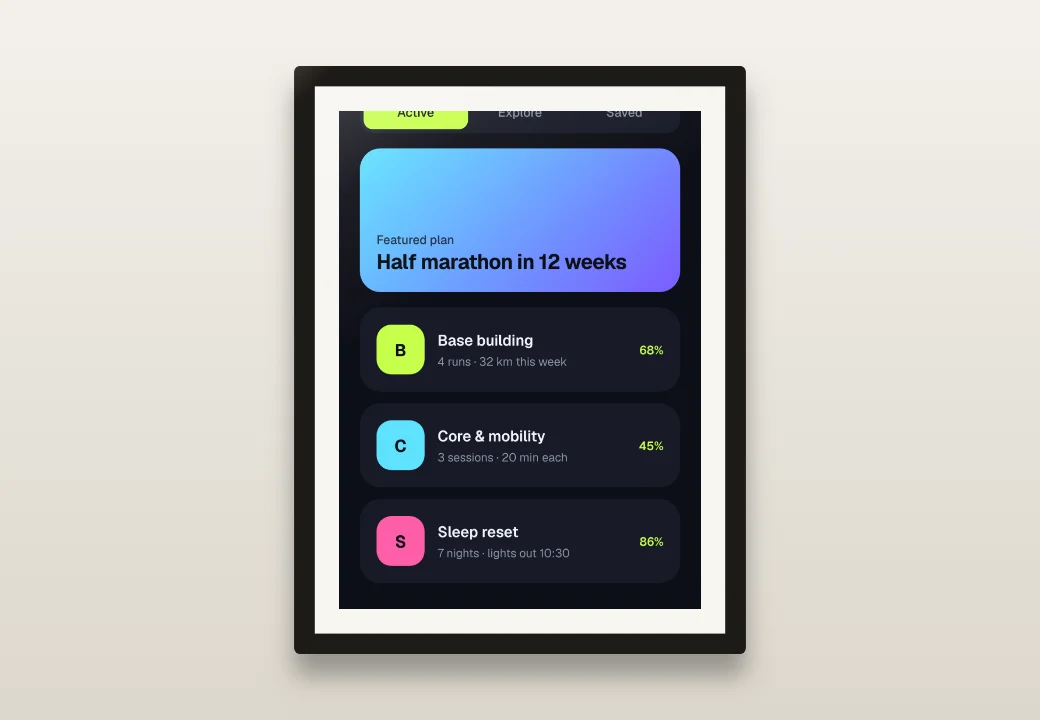
Drop in an image, pick a surface, and wrap it onto a t-shirt, mug, poster, framed print, card, or box. Real warp, folds, and lighting, all drawn on canvas so the export stays sharp.
Three steps to a finished mockup.
No template to download, no layers to fight. Drop an image and you are most of the way there.
Drop your art
Paste, drag, or upload a logo, screenshot, or graphic. It loads straight onto the canvas.
Pick a surface
Choose apparel, a mug, a poster, a framed print, a card, or a box, then set the colour or material.
Place and export
Size, nudge, and rotate the artwork, then download a crisp PNG. What you see is what saves.
Six surfaces, one canvas.
Each surface warps your art to its real shape, then shades it so the print sits in the material instead of floating on top.
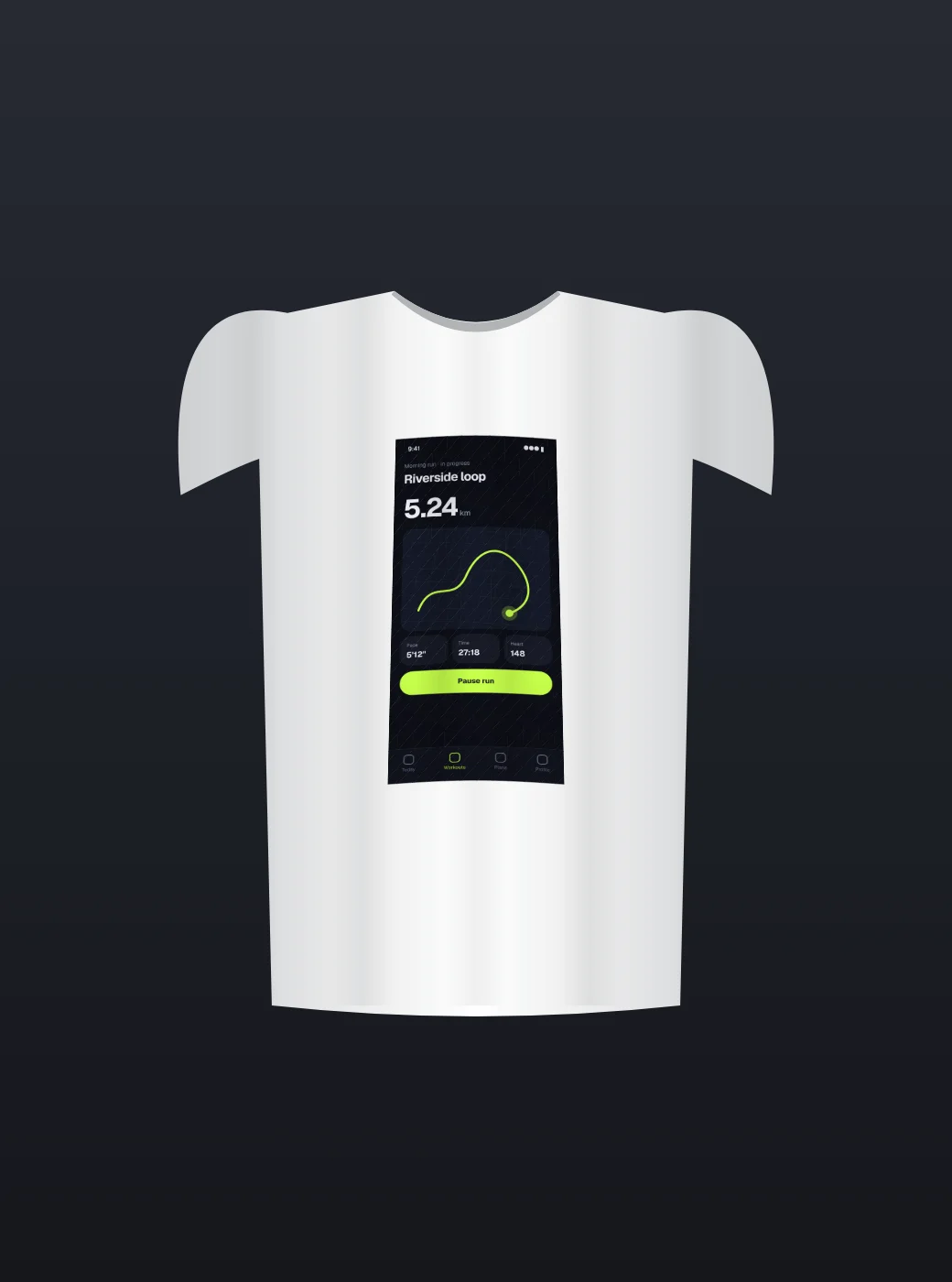
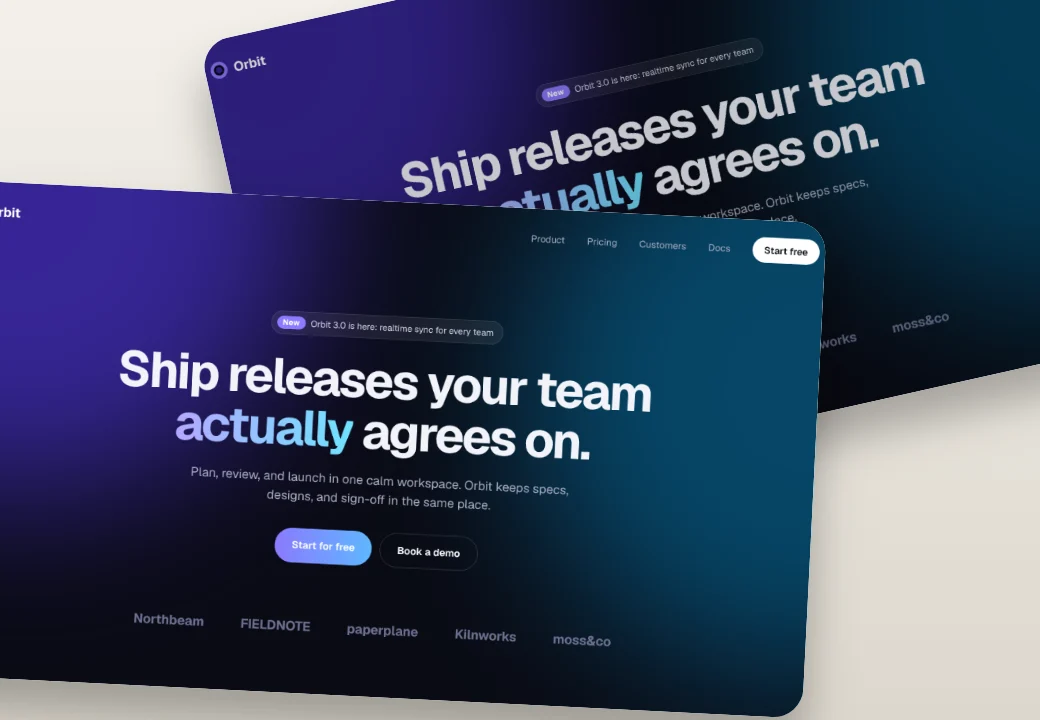
It bakes into the export.
Surfaces render into the same canvas as everything else in Glint, so they carry your color grade, text, watermark, and logo, and download as a flat PNG. Save it with your project and the surface comes back exactly as you left it.
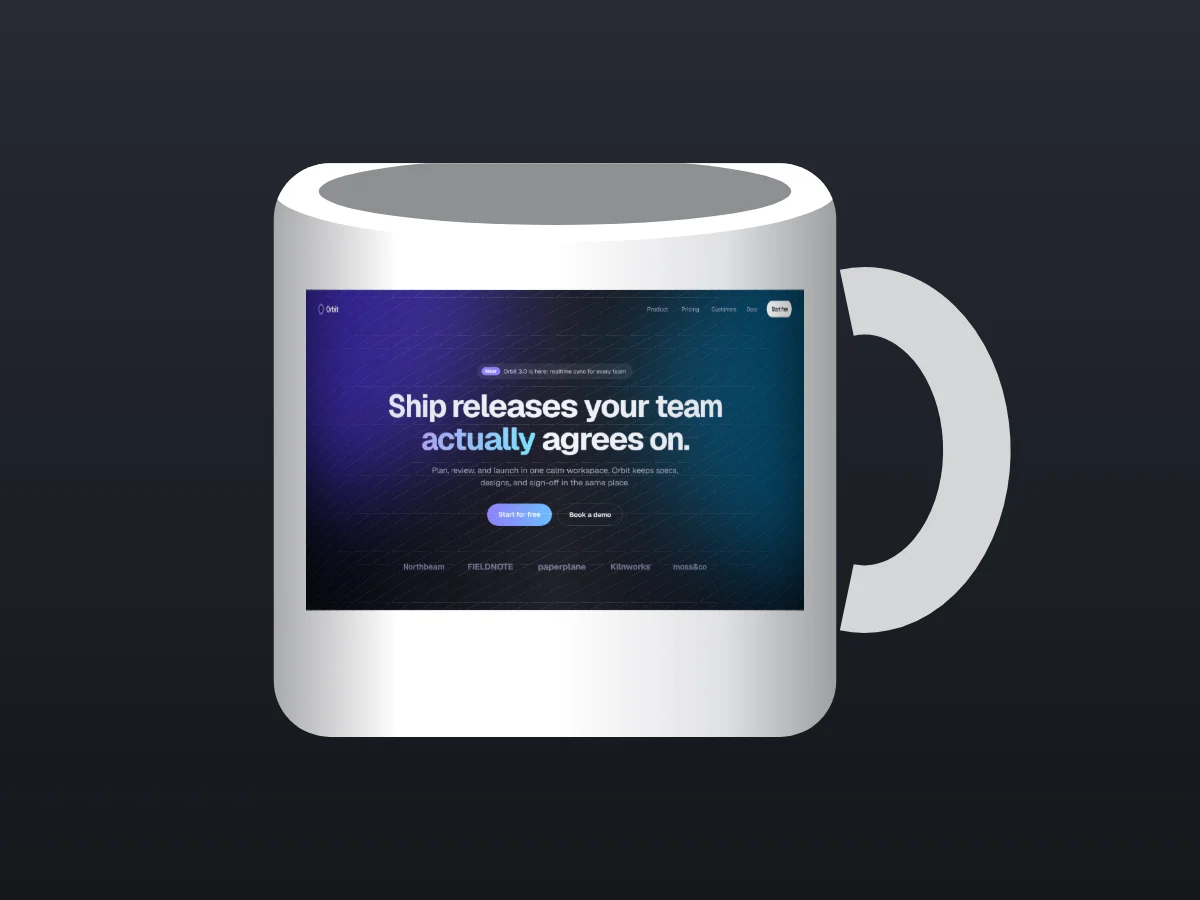
Keep going.
Put your work on something real.
No sign-up. It opens straight into the studio with the surfaces ready.
Open the studio →