Device mockup generator
Put your screenshot in a real device.
Drop in a screen, pick a frame, and export a clean mockup in seconds. Phones, tablets, laptops, and browser windows, all drawn on canvas so the edges stay sharp at any size.
Three steps to a finished mockup.
No layers to fight, no template to download. Drop a screen and you are most of the way there.
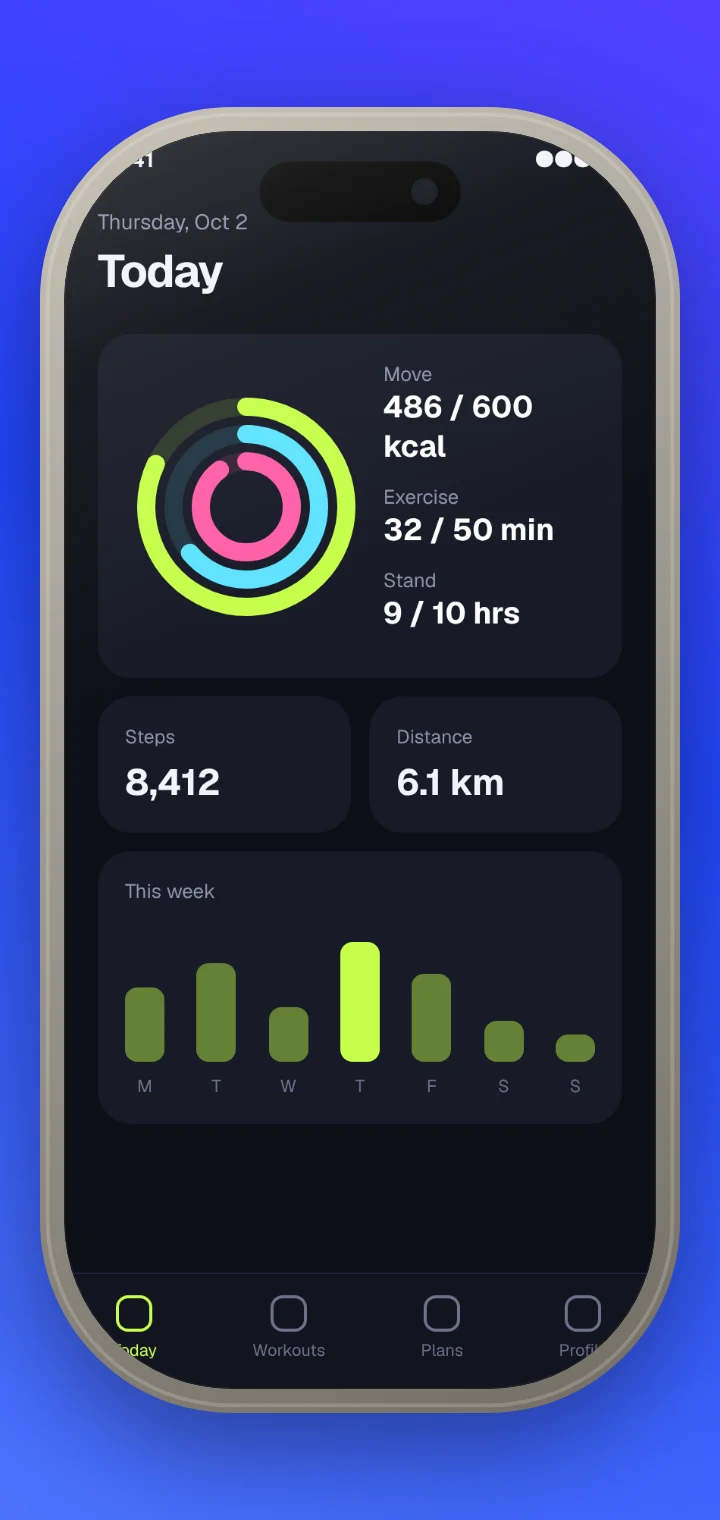
Drop your screen
Paste, drag, or upload a screenshot. Glint centers it and gives it sensible padding right away.
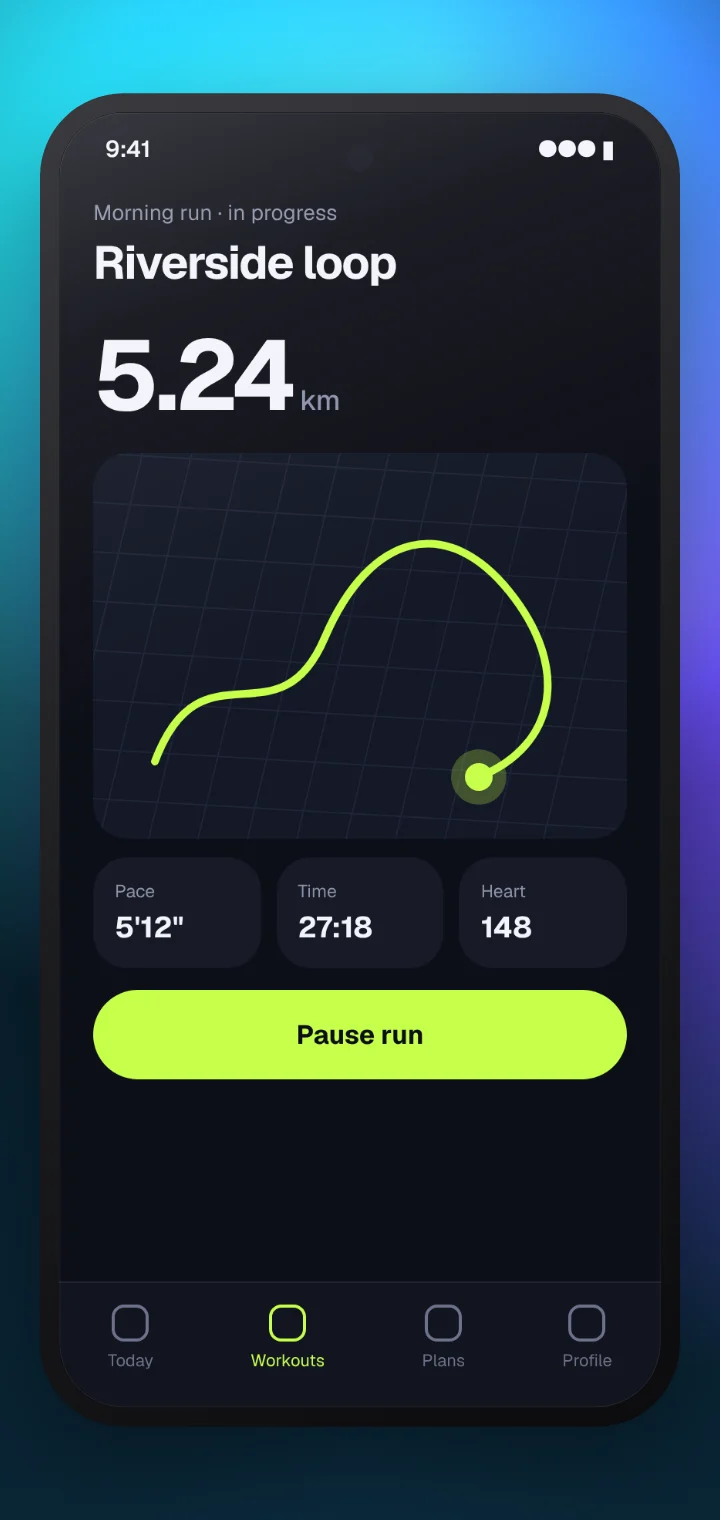
Pick a frame
Choose a phone, tablet, laptop, or browser window, then recolor the finish and add a background.
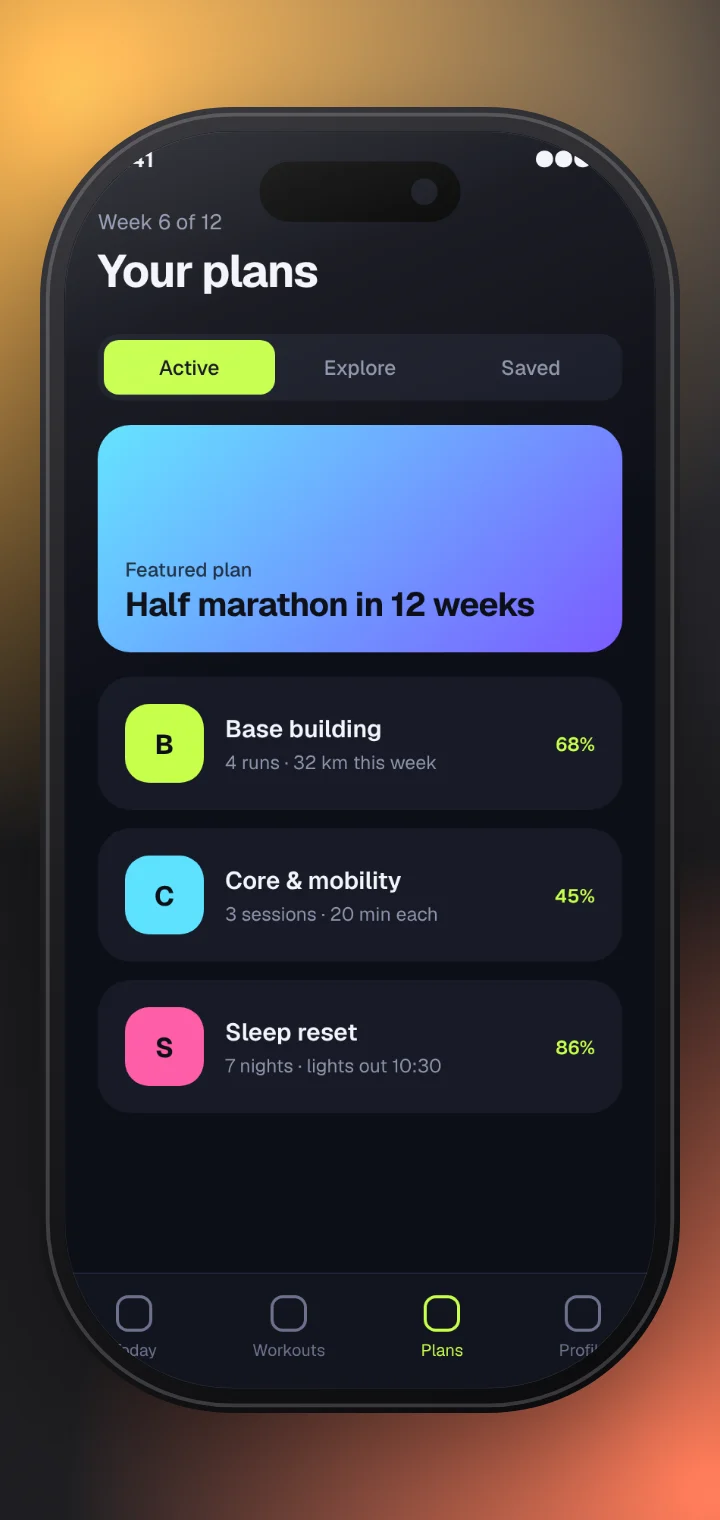
Export it crisp
Download a transparent or filled PNG at the resolution you need. The frame is vector-clean at every scale.
Every frame you are likely to reach for.
Apple, Android, desktop, and browser shells, each drawn procedurally with accurate corners and finishes.
Phones and tablets
iPhone with the Dynamic Island, iPad, and Pixel. Switch the colorway to match your brand.
Laptops and displays
MacBook, a Windows laptop, and the Studio Display for hero shots of desktop apps.
Browser windows
macOS, Windows, Chrome, Safari, and Firefox chrome with a title and traffic-light controls.
Apple Watch
Frame a watchOS screen for store listings and feature shots that need the small screen.
Flat, tilted, or fully 3D.
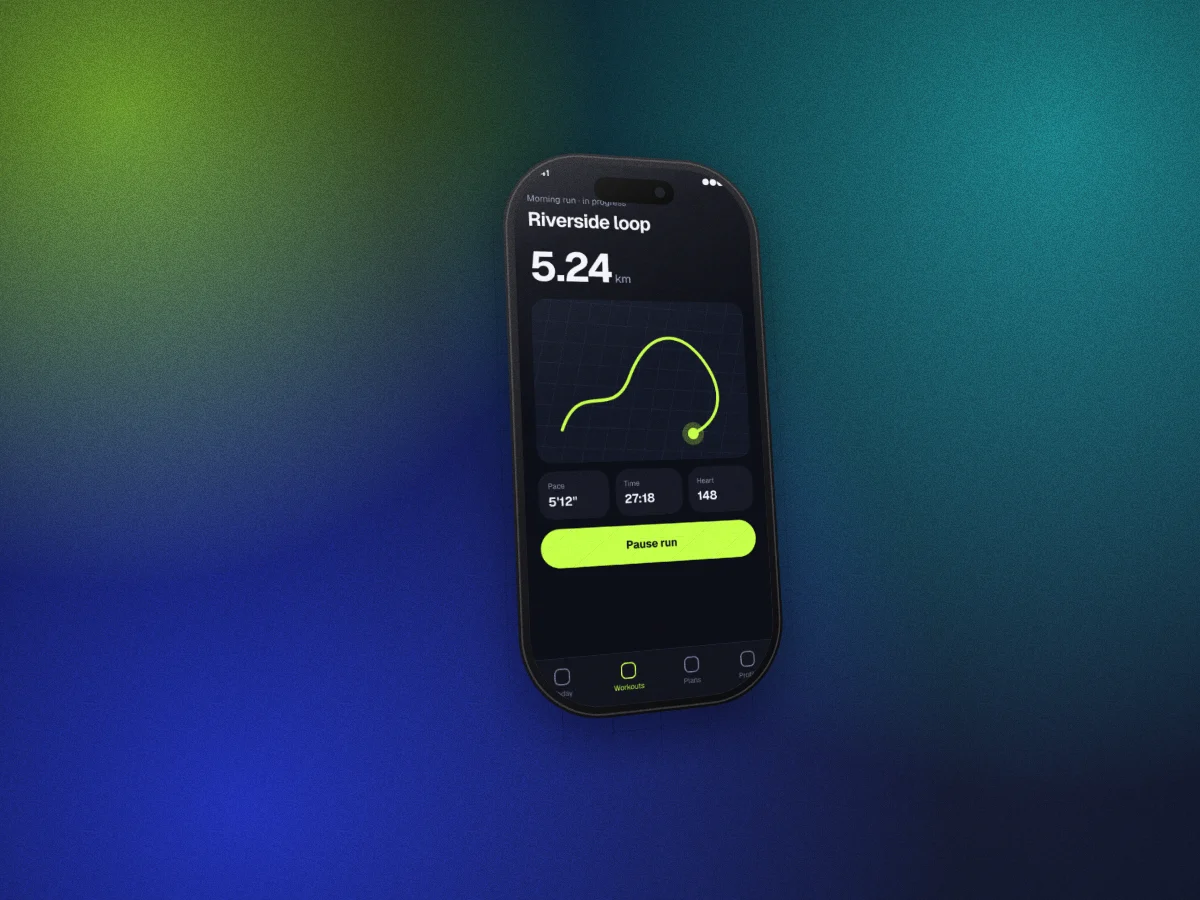
Keep it head-on, add a baked perspective tilt that carries into the export, or switch to a real WebGL 3D mockup you can orbit and light. Every version renders into the same canvas, so what you see is what downloads.
Keep going.
Frame your next screenshot.
No sign-up. It opens straight into the studio with your frames ready.
Open the studio →